On this page

Short answer: For most support issues, remote visual assistance is faster and cheaper than sending a technician. Site visits are still needed for complex repairs, physical part replacement and cases where the customer cannot follow instructions safely. The best results come from a remote-first model that sends a truck only when a live video session confirms it is needed.
Key takeaways
- Remote visual assistance removes travel time, so technicians can handle more cases per day.
- Customers get help in minutes instead of waiting for an appointment window.
- Every avoided truck roll saves fuel, vehicle costs and technician hours.
- Complex hardware work still needs a site visit, but a video session first makes that visit faster and better prepared.
What is remote visual assistance?
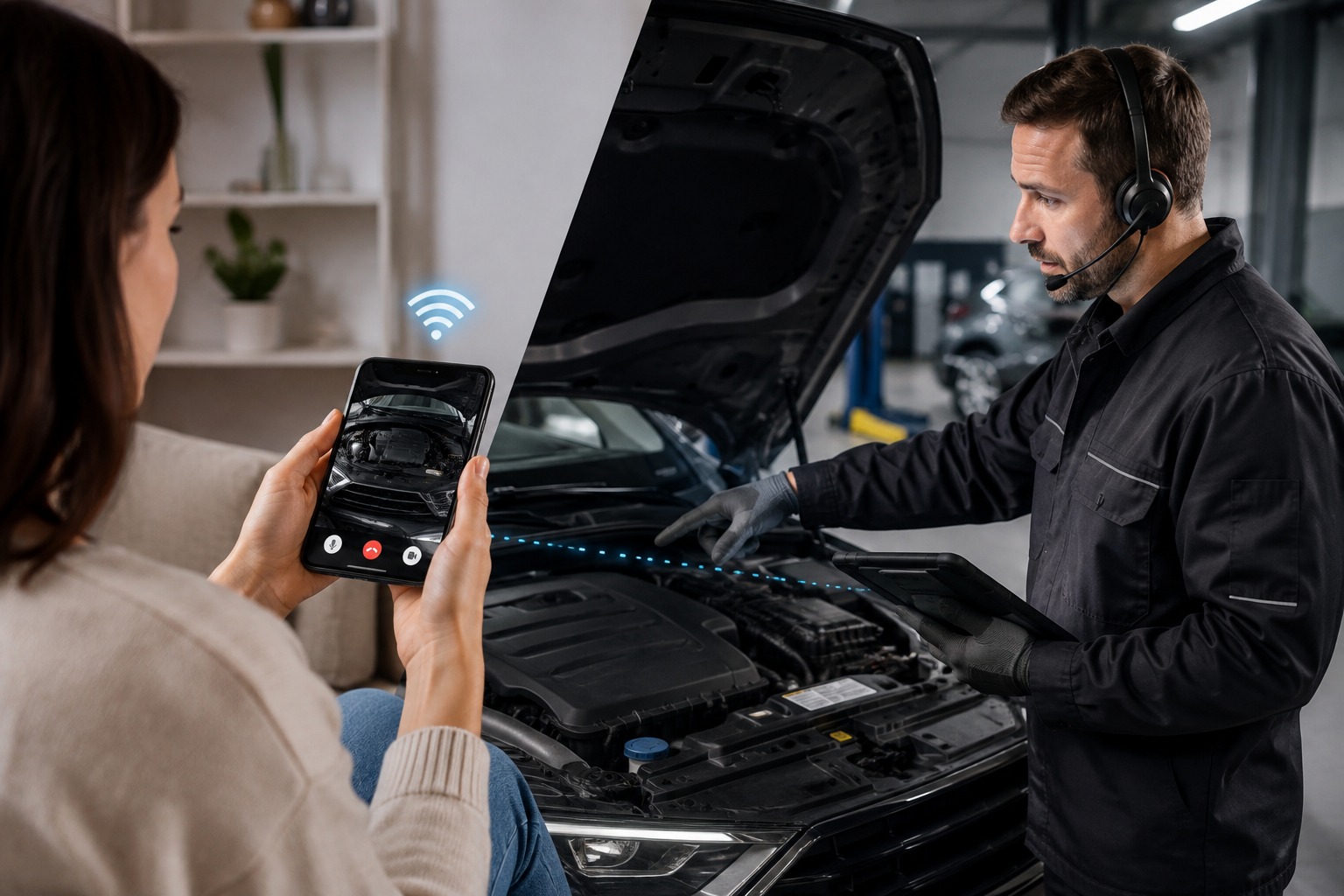
Remote visual assistance lets a support agent or technician see what the customer sees through a live video session on the customer's phone. The agent can guide the customer step by step, point at parts on screen and capture photos for the record. With Blitzz, the customer joins from a text or email link in the browser, so there is no app to download.
It is the alternative to the traditional model, where every issue that cannot be solved by phone becomes a scheduled truck roll.
Remote visual assistance vs. site visits at a glance
| Factor | Remote visual assistance | Site visit |
|---|---|---|
| Time to help | Minutes, often on the first call | Hours or days, based on scheduling |
| Cost per case | Agent time only | Technician time, travel, fuel and vehicle costs |
| Cases per technician per day | Many, with no commute between jobs | Limited by drive time |
| Access to experts | Any expert, anywhere, can join the session | Only the technician who is on site |
| Best for | Diagnosis, setup, troubleshooting, verification | Complex repairs and part replacement |
Where remote assistance wins
Faster service
Your support is more efficient when nobody has to drive to a customer site. Instead of scheduling buffers between appointments, technicians can move from one session to the next. Customers also get specific meeting times instead of wide arrival windows.
Remote assistance gives your team more flexibility too. You can match each case to the person with the right expertise, wherever that person is based. Tools like Blitzz add augmented reality pointers and on-screen markup, so the agent can show the customer exactly which part to check.
Higher capacity
Video support cuts commute time and makes it easy to pull a colleague into a tricky case. Technicians resolve issues faster and move on to the next customer sooner. Customers with urgent problems get help in the moment instead of waiting for an appointment, which builds trust in your service.
Lower cost
Every site visit carries the technician's wages plus fuel, vehicle maintenance and insurance. There is also an opportunity cost: hours spent driving are hours your team is not resolving other cases. The Technology and Services Industry Association has estimated the fully burdened cost of a truck roll at over $1,000. Read the real cost of a truck roll for a full breakdown.
Safer and more sustainable
Fewer site visits mean fewer people entering customers' homes and businesses, and fewer vehicles on the road. That lowers your organization's carbon footprint and reduces travel risk for your staff.
Where site visits are still needed
A remote-first model does not mean getting rid of your fleet. Some issues are too complex for a customer to fix with guidance, such as major repairs, part replacement or work that requires certified tools. In those cases you still need someone on site. A remote session first helps here too, because the technician arrives knowing the problem and carrying the right parts.
Customer error is the other limit. If a customer cannot follow instructions safely or correctly, schedule a visit. Field technicians can also use live video in the field to call a senior expert for backup.
How to balance remote assistance and site visits
- Start every eligible case with video. Let the agent see the issue before deciding on a dispatch.
- Define clear escalation rules. Decide which issue types always need a technician on site.
- Capture photos and notes in the session. If a truck is needed, the technician gets full context in advance.
- Track resolution rates. Measure how many cases are solved remotely and how many truck rolls you avoid each month.
Frequently asked questions
Can remote visual assistance replace site visits completely?
No. It can resolve a large share of support cases without a visit, but complex repairs and part replacements still need a technician on site. The goal is to send trucks only when they are truly required.
Do customers need to download an app?
Not with Blitzz. Customers join a live video session from a link sent by text or email, right in their phone's browser.
What kinds of issues work best remotely?
Diagnosis, installation help, setup, troubleshooting, warranty verification and inspections are all good fits. Anything the customer can show on camera and safely act on is a strong candidate.
Related reading
- How to reduce truck rolls using remote video support
- The real cost of a truck roll and how to avoid it
- Best remote visual assistance software for customer support teams (2026)
Ready to try a remote-first support model? Start a free 14-day trial of Blitzz or book a demo.


Blitzz Team
The Blitzz Team writes about remote video support, virtual inspections and field service. Our guides come from working with home builders, property managers, warranty teams, contact centers and field service organizations that use Blitzz to see and solve issues without a truck roll.